Pedalink
Thoughtfully made for the ride

Emergency details.
One scan away.

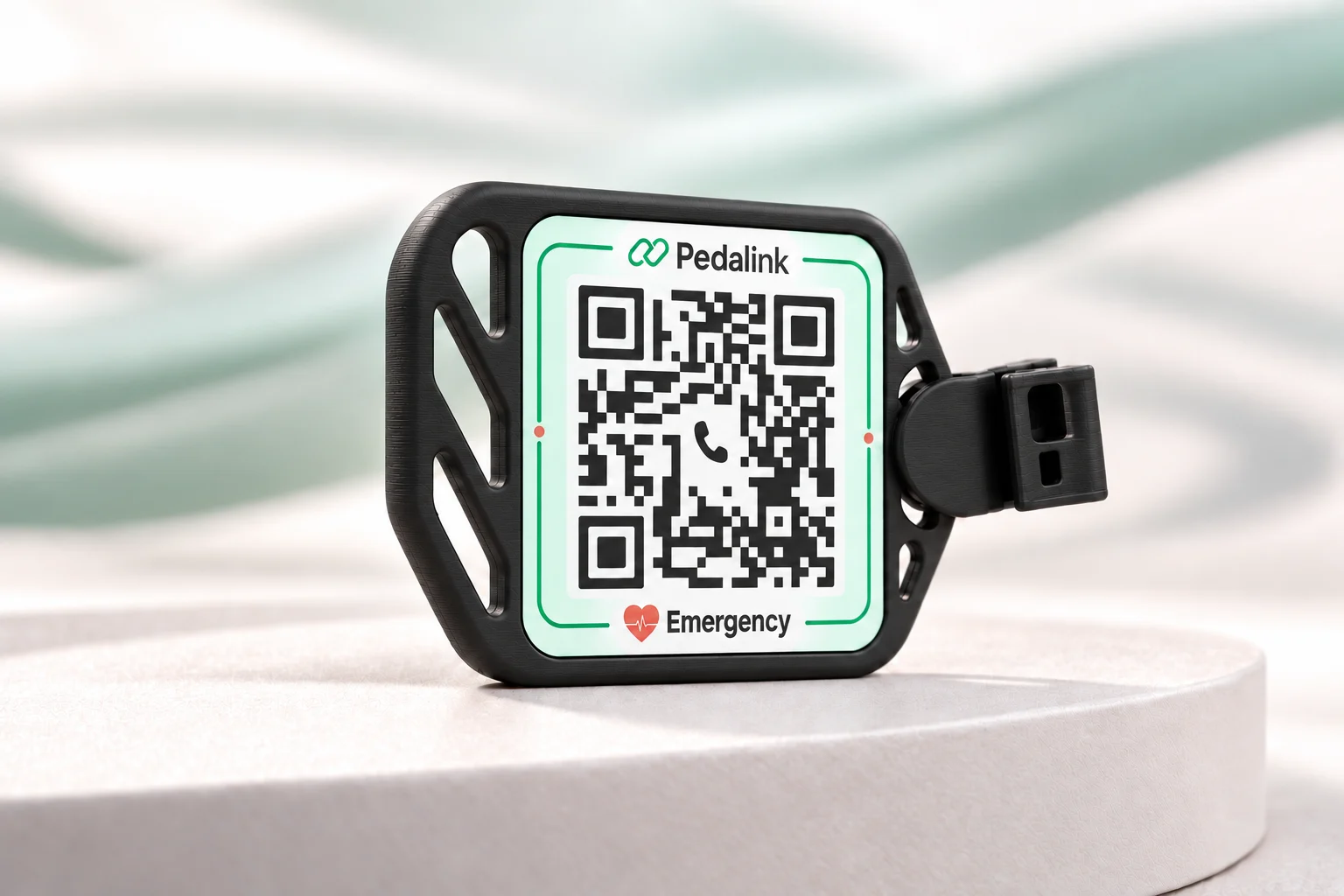
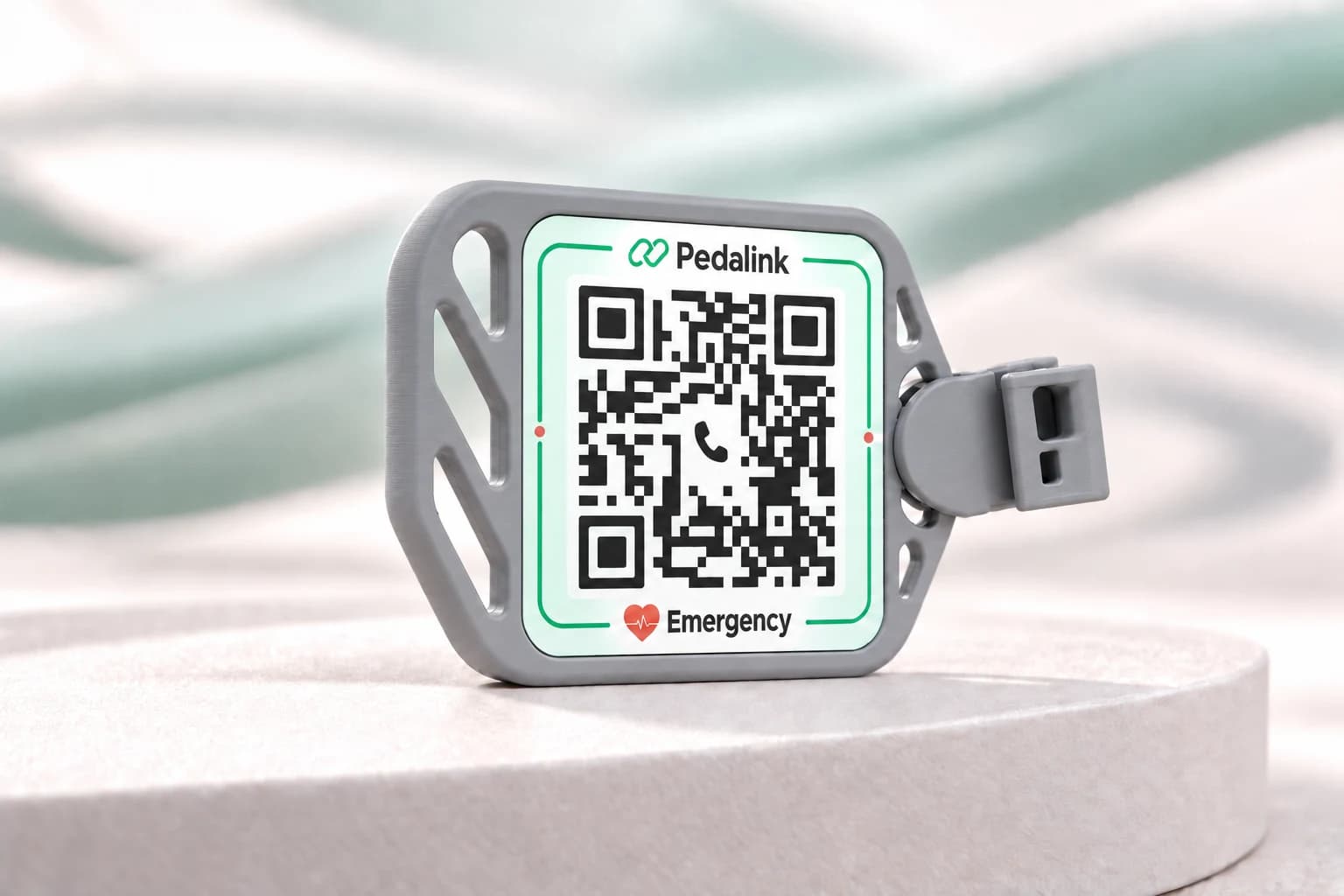
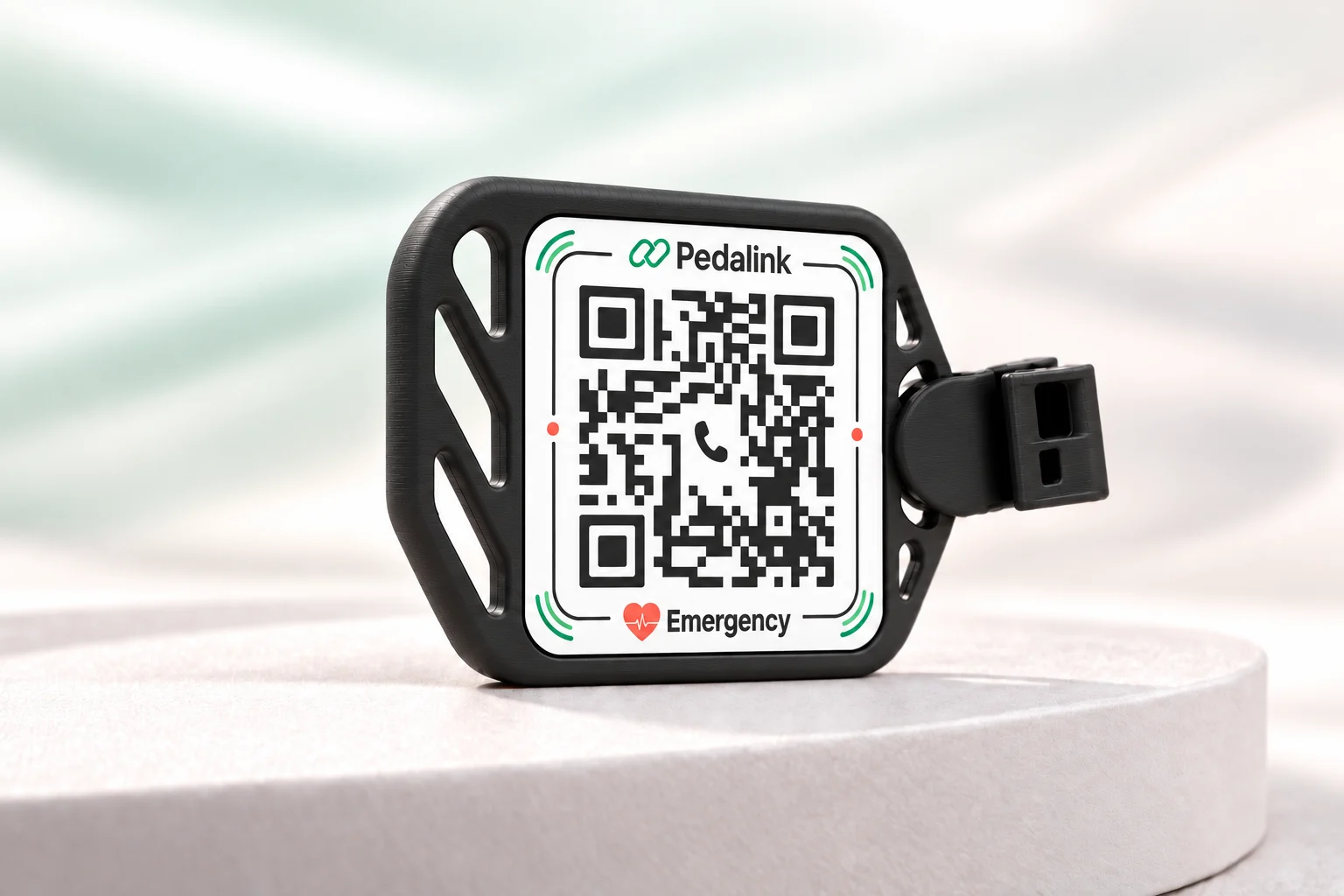
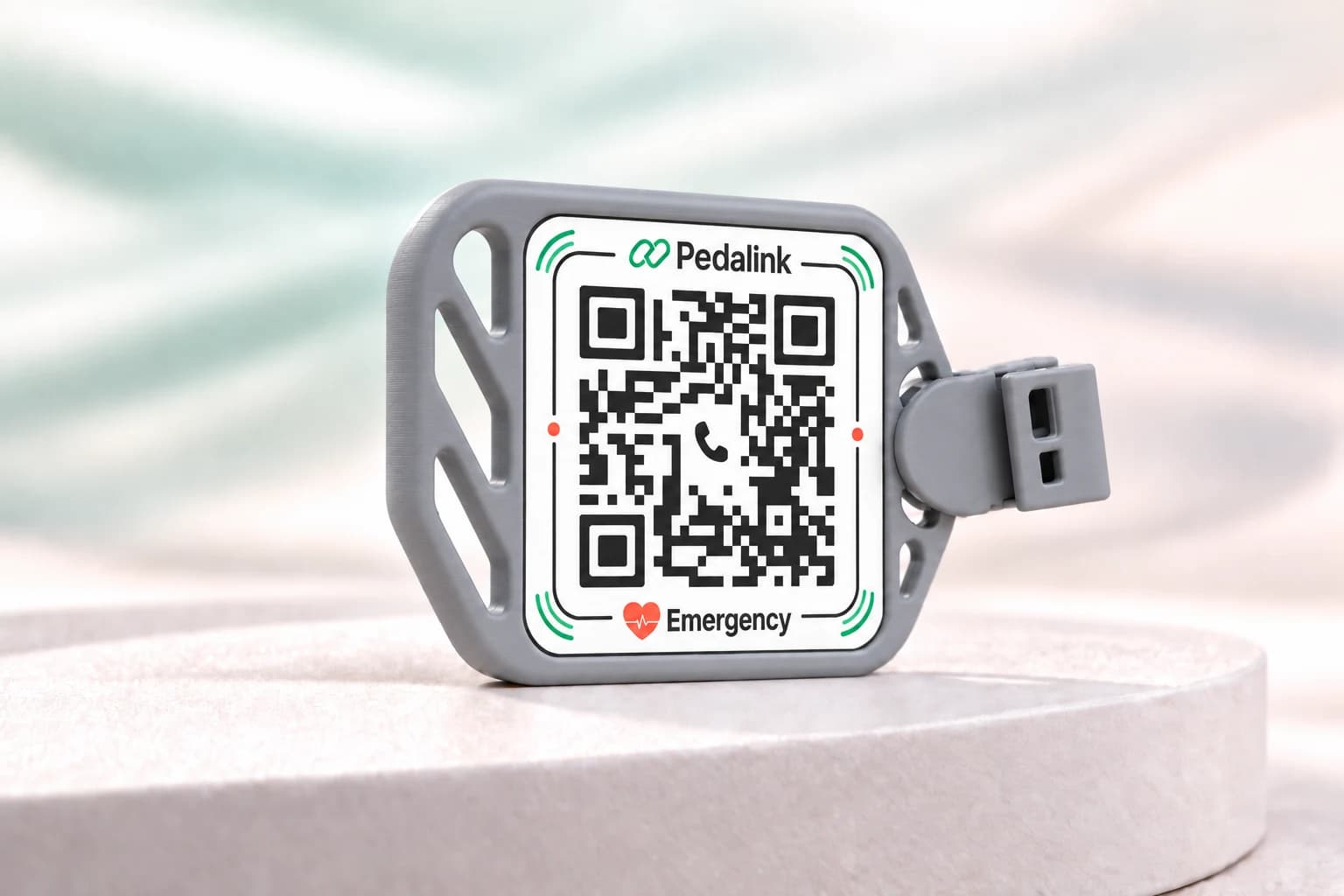
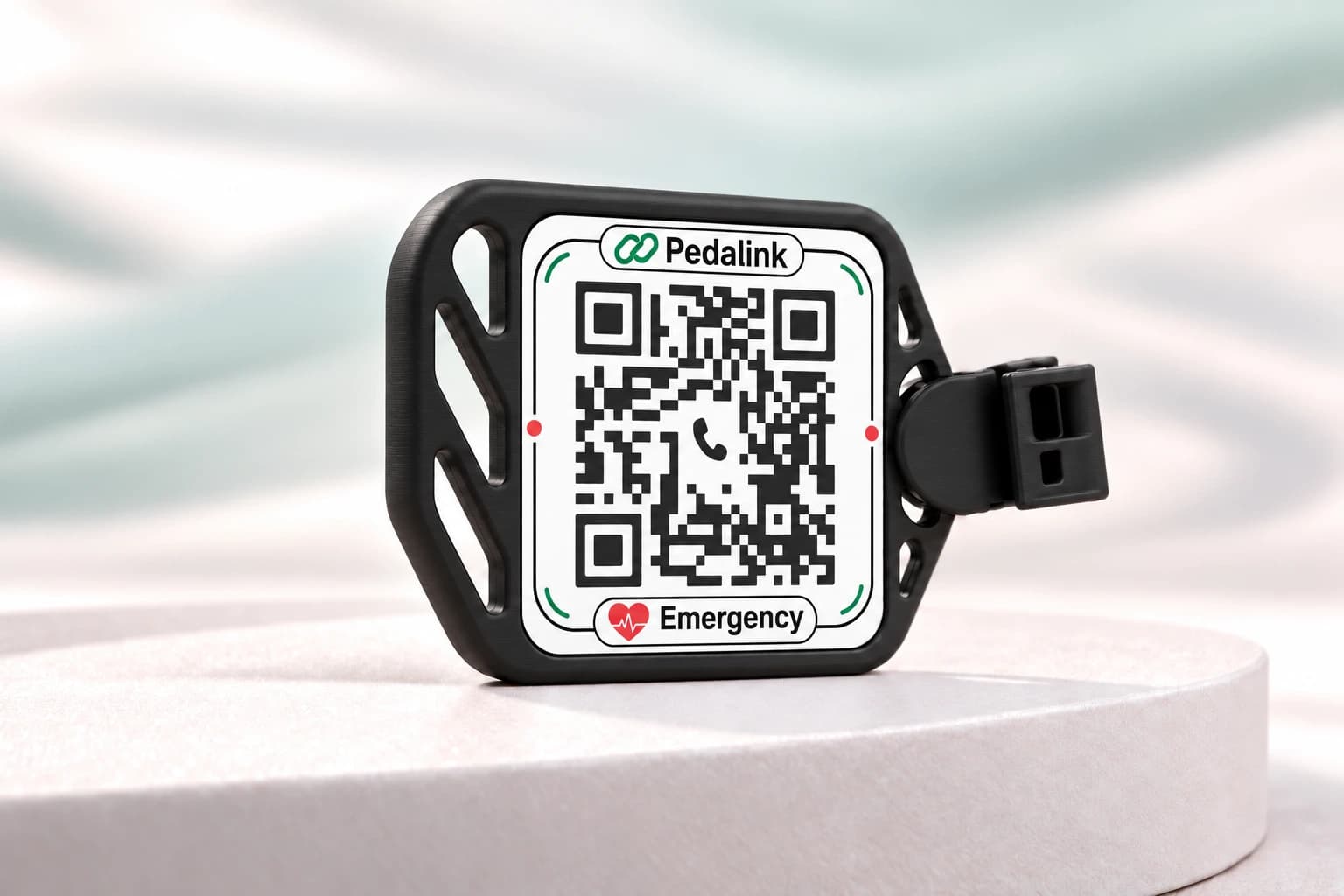
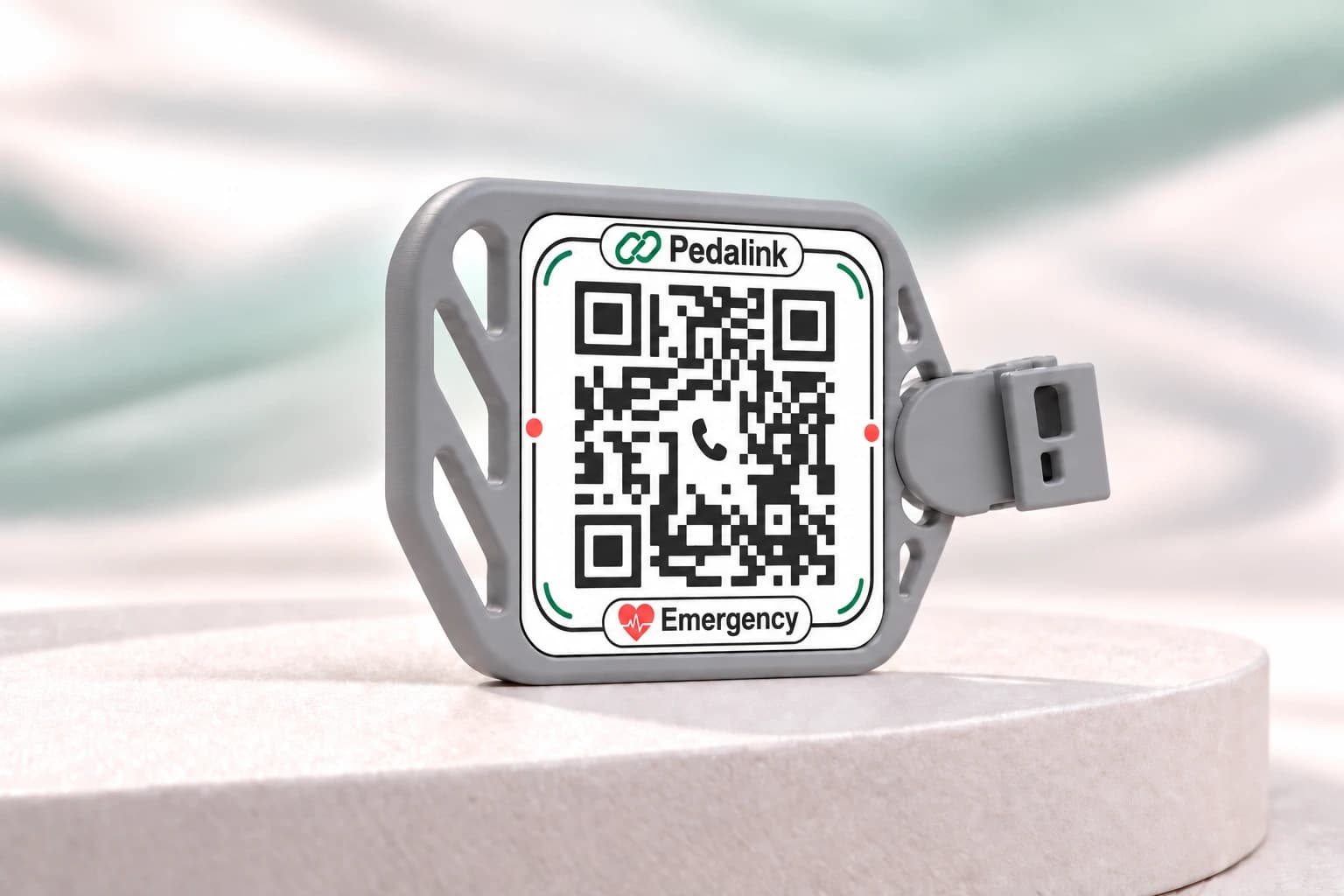
A small tag on your bicycle. A simple way to reach the people who matter when it matters.

Opens in a phone browser. No app needed.
Example Profile
PedalinkFICTIONAL EXAMPLE

An example rider

Aarav Mehta

Age
Not provided
Blood group
O+
Allergies & conditions

Penicillin allergy

Emergency contact

Priya · emergency contact

+91 00000 00000

Example only. Contact buttons are disabled.

You confirm calls and send WhatsApp drafts. Pedalink sends no medical details or location and dispatches no responders. Rider details are self-reported and unverified; never rely on them alone for treatment. For urgent help, contact local emergency services. A response is not guaranteed.

Fictional profile · contact actions disabled
Only the details you choose Update with your name and PIN

How Pedalink works

A little link.
Someone who cares.

Set up your tag once. A bystander scans, then chooses whom to call.

Set up your tag
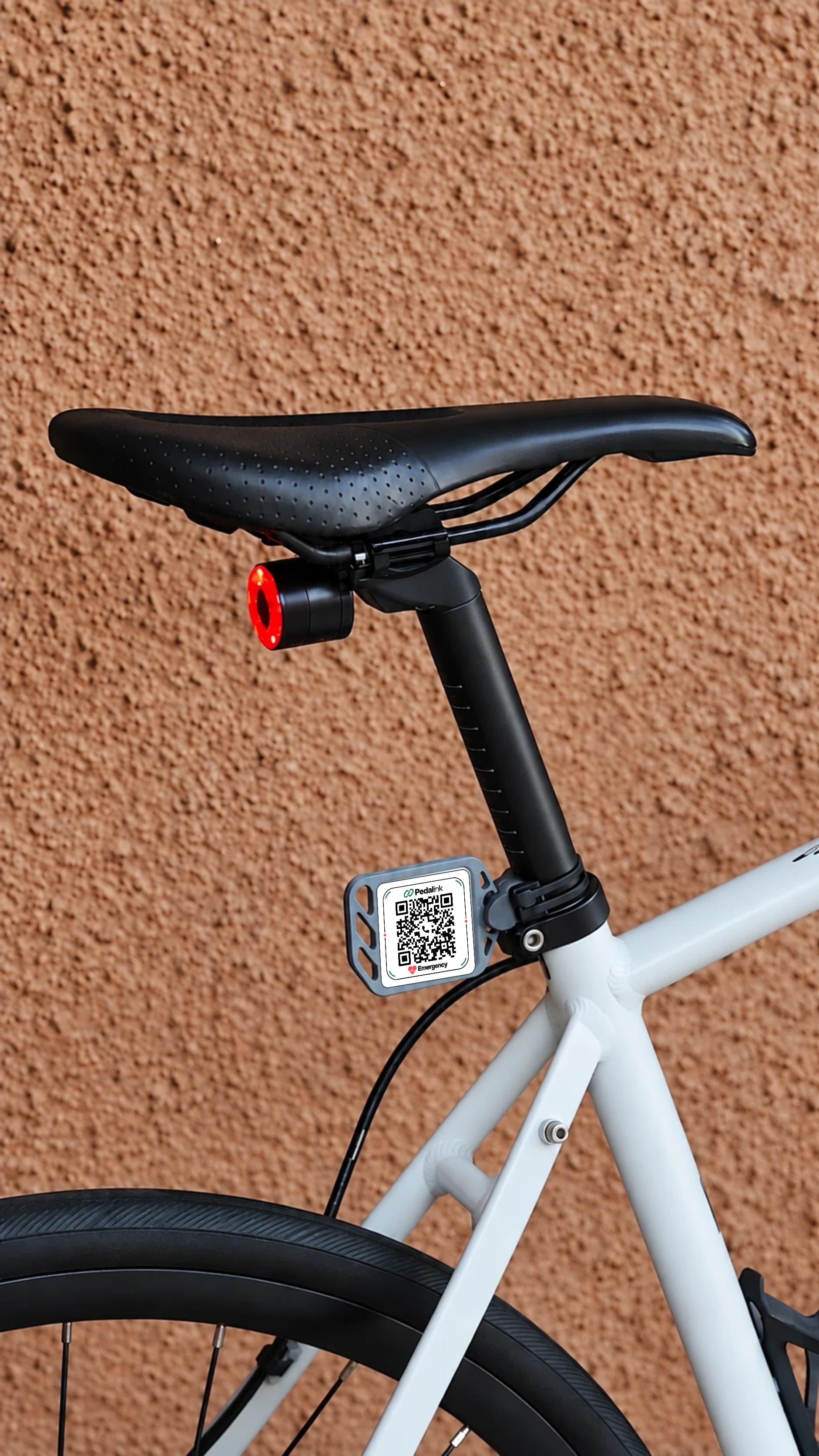
White road bicycle with a Pedalink QR tag mounted near the seat tube, highlighted by a drawn arrow.

Tag → Scan → Connect

A small tag.
A life-saving connection.

In a serious incident, clear information can help a bystander or first responder act with less uncertainty. One scan brings the rider’s chosen emergency details and contact options into view when every moment matters.

Prepared for the unexpected

When a ride doesn’t
go to plan.

A visible tag. The details you choose. A simple way for someone nearby to take the next step.

  1. 01

    Ride prepared

    Keep your Pedalink Tag visible on your bicycle.

  2. 02

    Someone stops to help

    If you cannot speak, a bystander can find your tag.

  3. 03

    Scan the Pedalink Tag

    Its QR code opens your chosen contacts and medical details. Internet access is needed.

  4. 04

    Make the call

    The bystander can reach someone you trust or request emergency help.

    A trusted contactEmergency services in India: 112

Clear by design

Useful information.
An informed choice.

Your QR profile is public to anyone with its link. Share only the emergency information you are comfortable making visible, with permission from your contacts.

  • No home address collected
  • No bystander location tracking
  • Name and PIN access for edits
  • Deactivate or delete when you need to
Understand your privacy

Founder’s story

Accidents on the road arrive uninvited. We cannot control them; however, we can control how prepared we are and how we choose to respond.”

Vivan · Cyclist & founder, age 16

Cycling. Recovery. Purpose.

Why I’m building
Pedalink.

Cycling has always meant freedom to me. After an accident left me with a fractured elbow, one surgery, three screws, 19 staples and four months away, I gradually found my way back.

I want practical safety tools to support that freedom, and help rider-provided information reach someone who may be able to help.

Discover why Pedalink exists

A little more clarity

Before you
head out.

More help
How do I activate my tag?

Scan the QR on a tag you own. Add your emergency details, choose a PIN, and confirm what will be publicly visible. You can also enter the exact tag code or URL if you already have it.

Who can see my information?

Anyone with the QR link can view your name, blood type, any notes you choose to share, and your emergency contact details. The random code makes guessing harder; it does not make this information private.

Can I update my details later?

Yes. Choose Edit Your Tag and enter your name and PIN to edit your digital profile. Changes do not update text already manufactured on the physical tag.

Do I need an app or internet connection?

No app is needed to open the profile in a phone browser. An internet connection is required. Calls depend on the device and phone service; WhatsApp requires internet access and an account for the contact.

What if the tag is dirty or damaged?

Built-in error correction may help the QR scan if a small part is lightly scratched or covered, but this is not guaranteed. Print quality, heavy mud, major damage, glare, poor lighting, scanning angle or damage in a critical part of the code can prevent a scan. Keep the tag clean and its contrast clear. Replace it if it becomes difficult to read.

What if I forget my PIN?

There is no automatic PIN reset or phone recovery. Keep your PIN in a password manager. Your public name and QR code cannot reset it. If you still have an authenticated session on an older profile without a PIN, set one up there. Otherwise, contact the operator for assistance; recovery is not guaranteed.

Does WhatsApp send a message automatically?

No. The button opens a chat with a short draft message. You choose whether to send it. The contact may not have WhatsApp. No medical details or location are added to the message.

What if I lose my tag?

Sign in through Edit Your Tag with your name and PIN to permanently deactivate it. Its public profile will disappear. You may then delete your personal data. Replacement purchasing is not currently available on this website.

What does someone see when they scan my tag?

An activated tag shows your name, selected blood type, optional medical notes, contact details and the profile update date. It offers call and WhatsApp options. An unactivated tag opens setup; a deactivated tag no longer shows rider details.

What happens when someone presses the call button?

It opens the device’s phone call screen with the contact number. It does not silently place a call. A compatible device and phone service are needed. If it does not open, select and copy the visible phone number.

Does Pedalink automatically call emergency services?

No. Pedalink does not detect accidents, track live location or alert anyone automatically. It is not an emergency service or a medical device. If immediate assistance is needed, use appropriate local emergency services.

What if the emergency contact does not answer?

Try the secondary contact if one is listed, or the message option where appropriate. Pedalink cannot guarantee that anyone answers or assistance arrives. Do not delay contacting local emergency services when urgent help is needed.

How does name and PIN editing work?

Choose Edit Your Tag and enter the full name on your digital profile and your PIN. Capitalization and extra spaces do not matter. Names are public, so keep your PIN private and choose a longer, unique combination. You can change it in an authenticated editing session using your current PIN. If you change your name, use the updated name next time.

How do I deactivate or delete my information?

Sign in through Edit Your Tag with your name and PIN. Permanent deactivation hides the public profile while keeping it privately available to you. Deletion removes your personal data from the live database. The old tag code is never reused. Previously copied information cannot be recalled; see Privacy for backup details.

How are age, birth date and gender used?

Date of birth is required to activate or save a profile and is stored privately to keep age current. Older profiles remain readable without it until their owner next edits and saves. Age and emergency contact name appear only when you choose to make them public. The full birth date is never public. Gender appears only when you choose to share it; Prefer not to say is omitted. You can edit these values or delete your profile by signing in with your name and PIN. They are rider-provided and unverified, not medical verification.

Which public emergency numbers can I call through Pedalink?

The profile labels public-service numbers for India: 112 is the preferred unified number for police, fire and medical emergencies. The visible emergency-services card offers 108 ambulance (coverage and operation vary by state or Union Territory) and 100, a familiar legacy police number. Each button opens the phone call screen; you confirm the call. Pedalink sends no location or incident details, does not dispatch or control responders, and cannot guarantee availability or a response. Outside India, use the local emergency number.
Your next ride starts here

Have your tag?
Make it yours.