Your tag has arrived
Get ready in 3 steps.
Activate your tag
Scan the QR code with your phone’s Camera app. Open the link, enter your rider and emergency-contact details, and complete registration.
Your tag is now linked to your profile. Future scans open your emergency profile.
Need help scanning? Open our scanner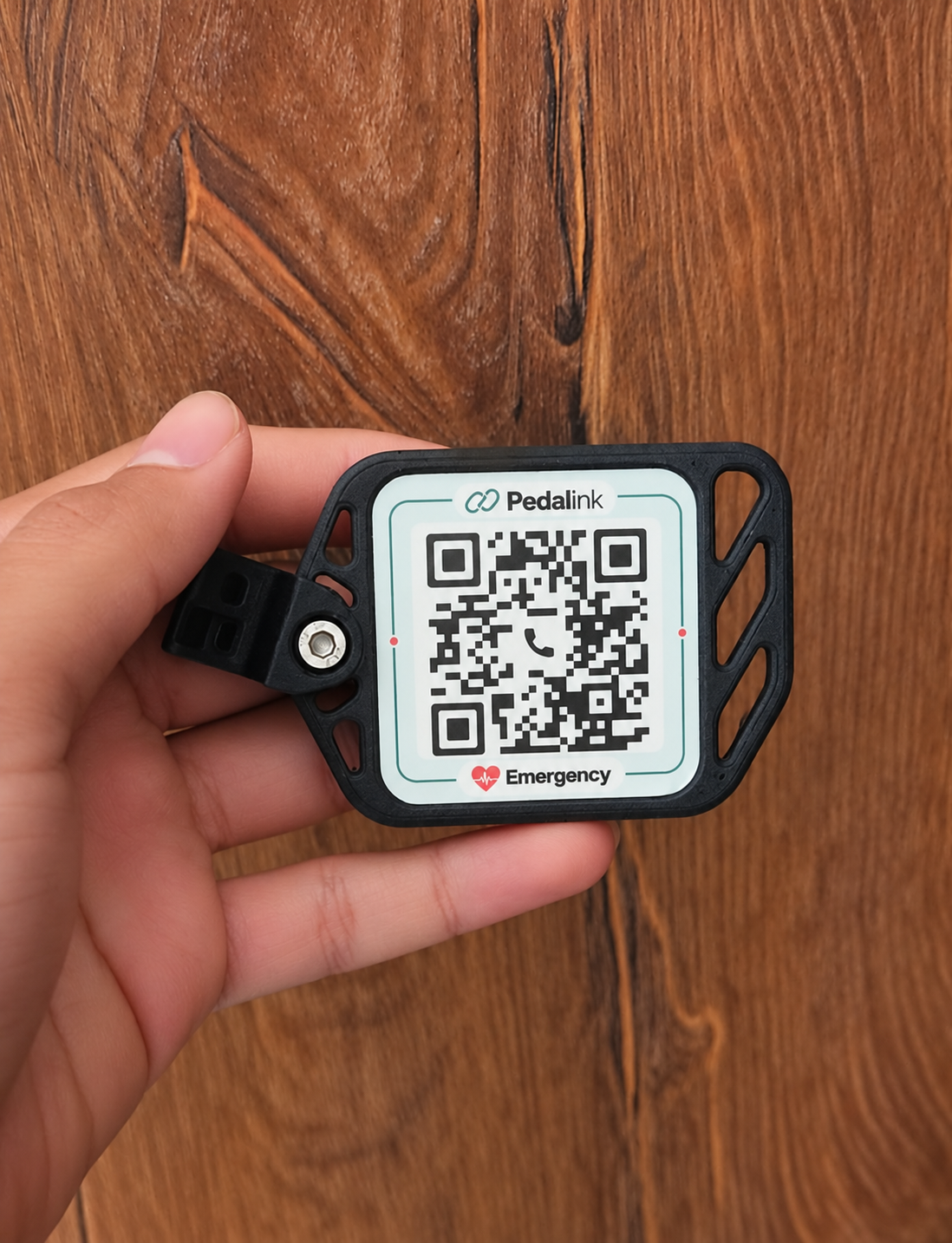
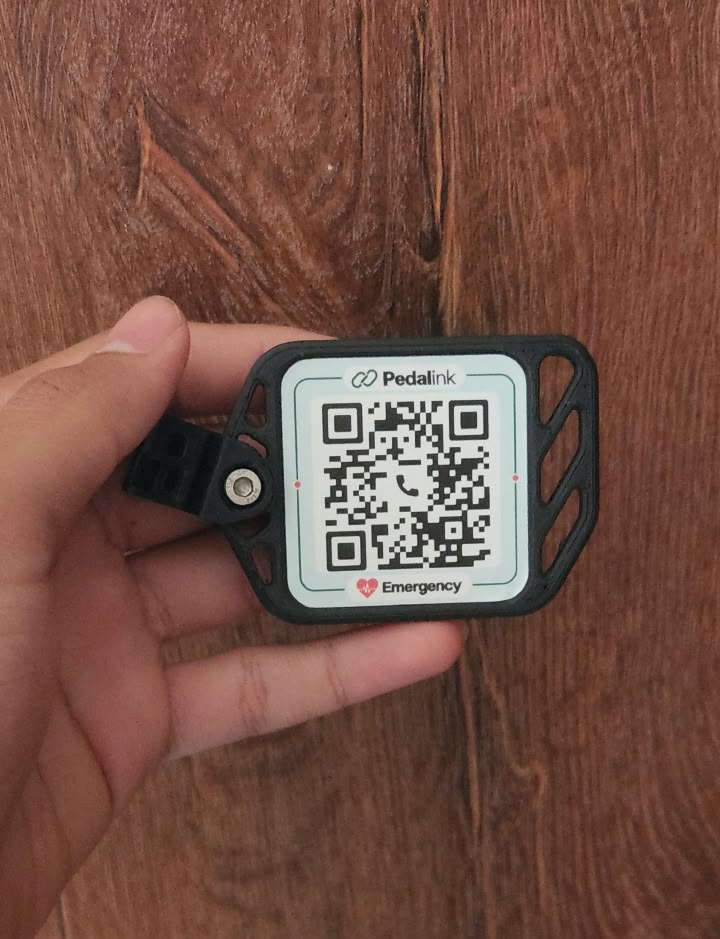
Set the angle
Loosen the connecting bolt with a 3 mm Allen key, adjust the tag’s angle, then tighten gently until secure. Do not overtighten. If the angle is already right, just check that the bolt is secure.
The tag should not turn freely. Stop tightening once it is secure; do not force the bolt.
Attach to your seatpost
Place the clamp against your seatpost. Pass both supplied zip ties through the clamp and around the seatpost. Pull them firmly so the clamp cannot slip, then carefully trim the excess ends with scissors.
Keep the QR facing outward and easy to scan. Check that the tag and clamp cannot slip or turn.
Need a hand? Get help from Pedalink.
Support Rider Safety
Help more cyclists ride prepared. Every donation supports practical safety tools that connect riders with help when it matters.
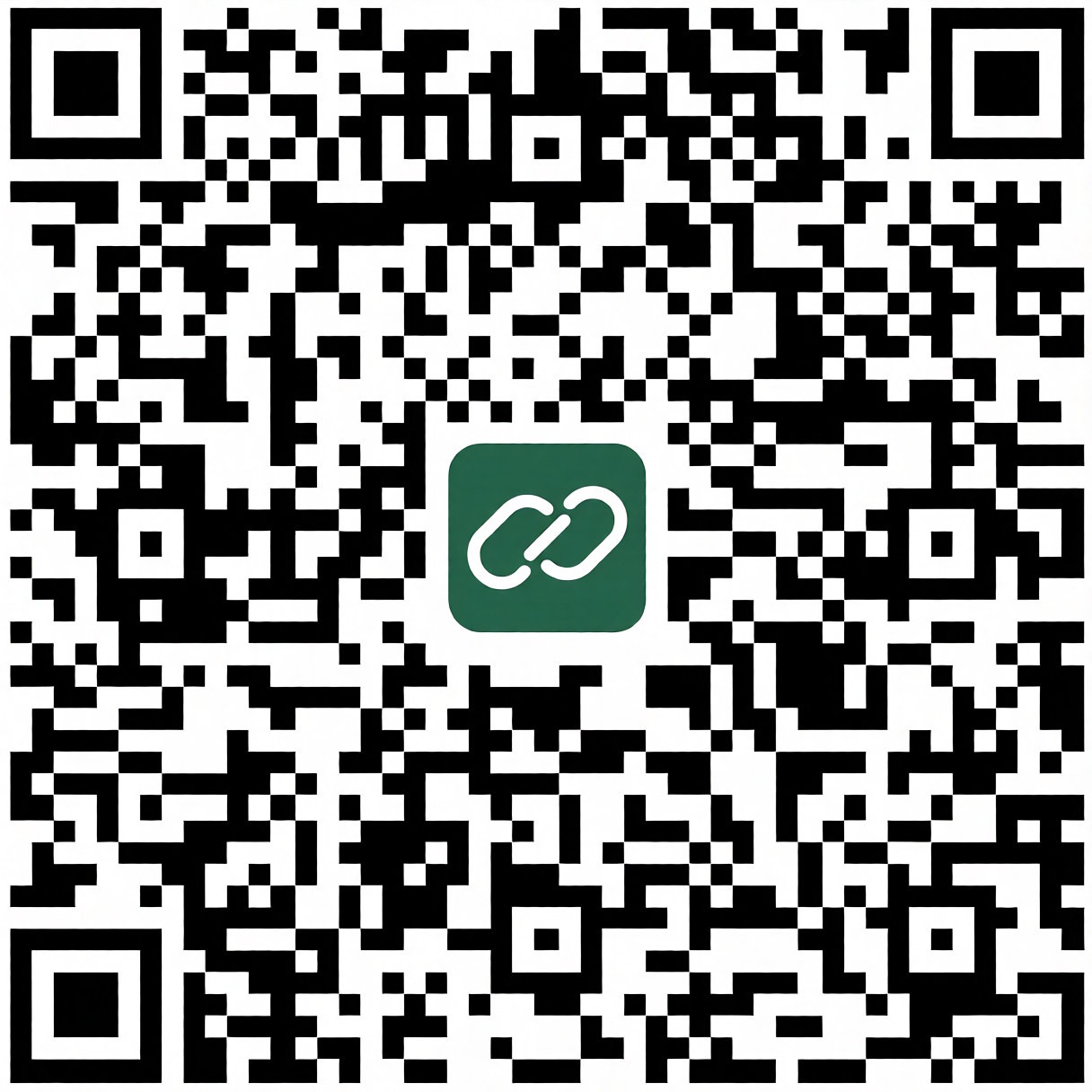 Download donation QR